Introduction to the Service Registry
In this guide, using the Flowable Service Registry Engine from a modeling perspective is described.
If you’re interested in the technical side to understand the way the Service Registry Engine works, then the Service Registry Developer Guide provides more details.
More examples can be found in The Data Object Modeler Guide
Service Definitions and Service Operations
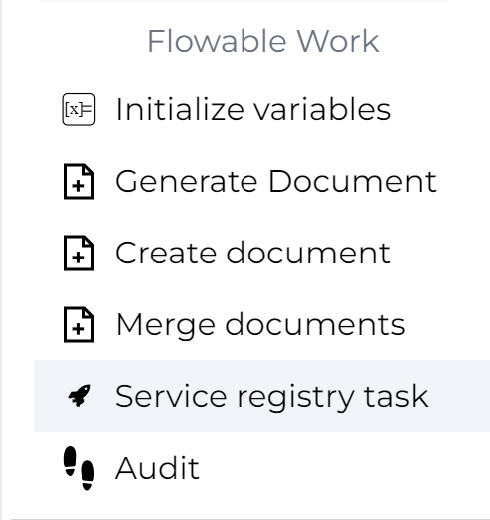
After a service model is created (see the Service Registry Engine Developer Guide), it can be used in process or case models. To do so, drag the Service registry task to the canvas from the Flowable design palette:
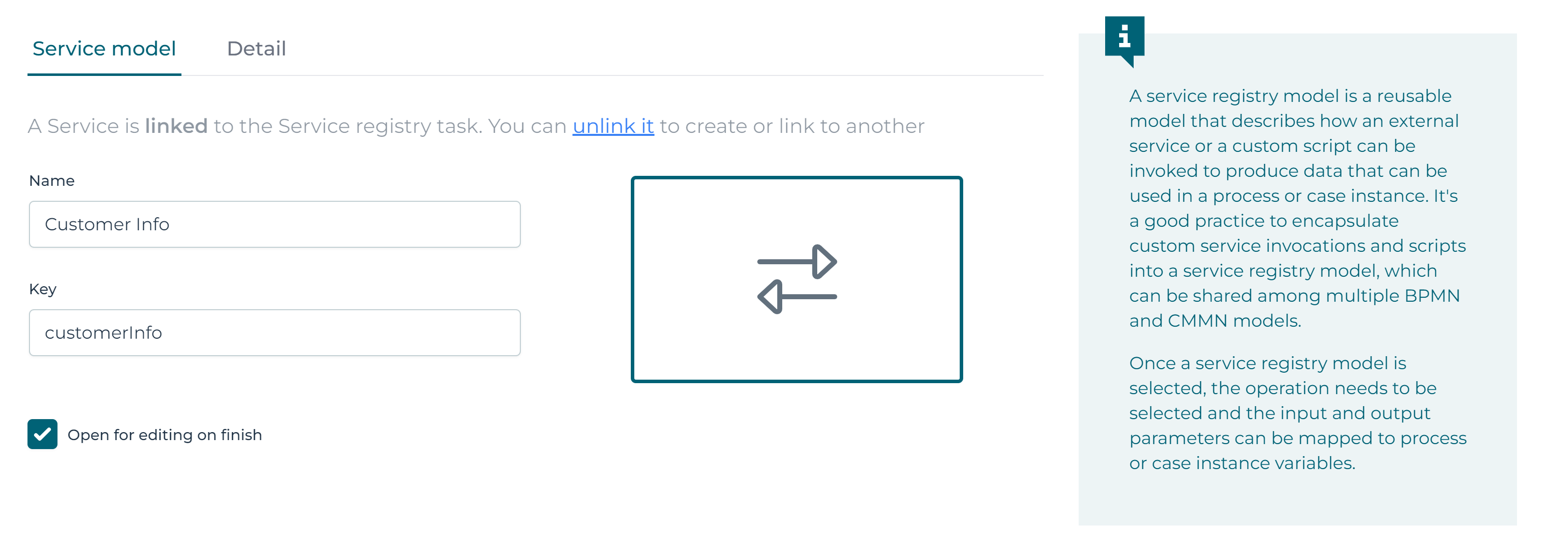
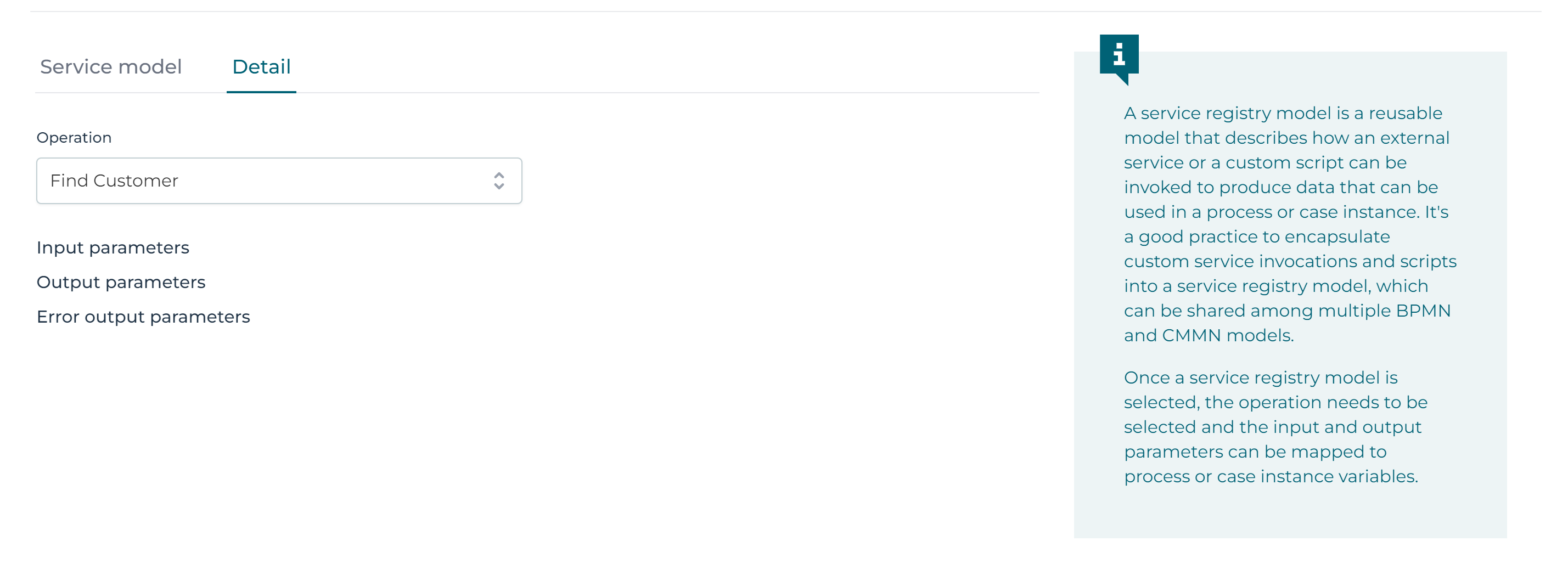
In the Service Registry Task - General attribute panel, the service and one of its operations can be selected (one service can expose multiple operations):
At runtime, the process or case invokes the service configured in the referenced service definition.
 info
info2025.2.03+ MCP (Model Context Protocol) services are supported as a service type in the Service Registry. MCP allows you to connect to MCP-compatible servers and invoke tools exposed by those servers. See the MCP Configuration Examples and the MCP Parameters Reference for details.
Finding where a service is used
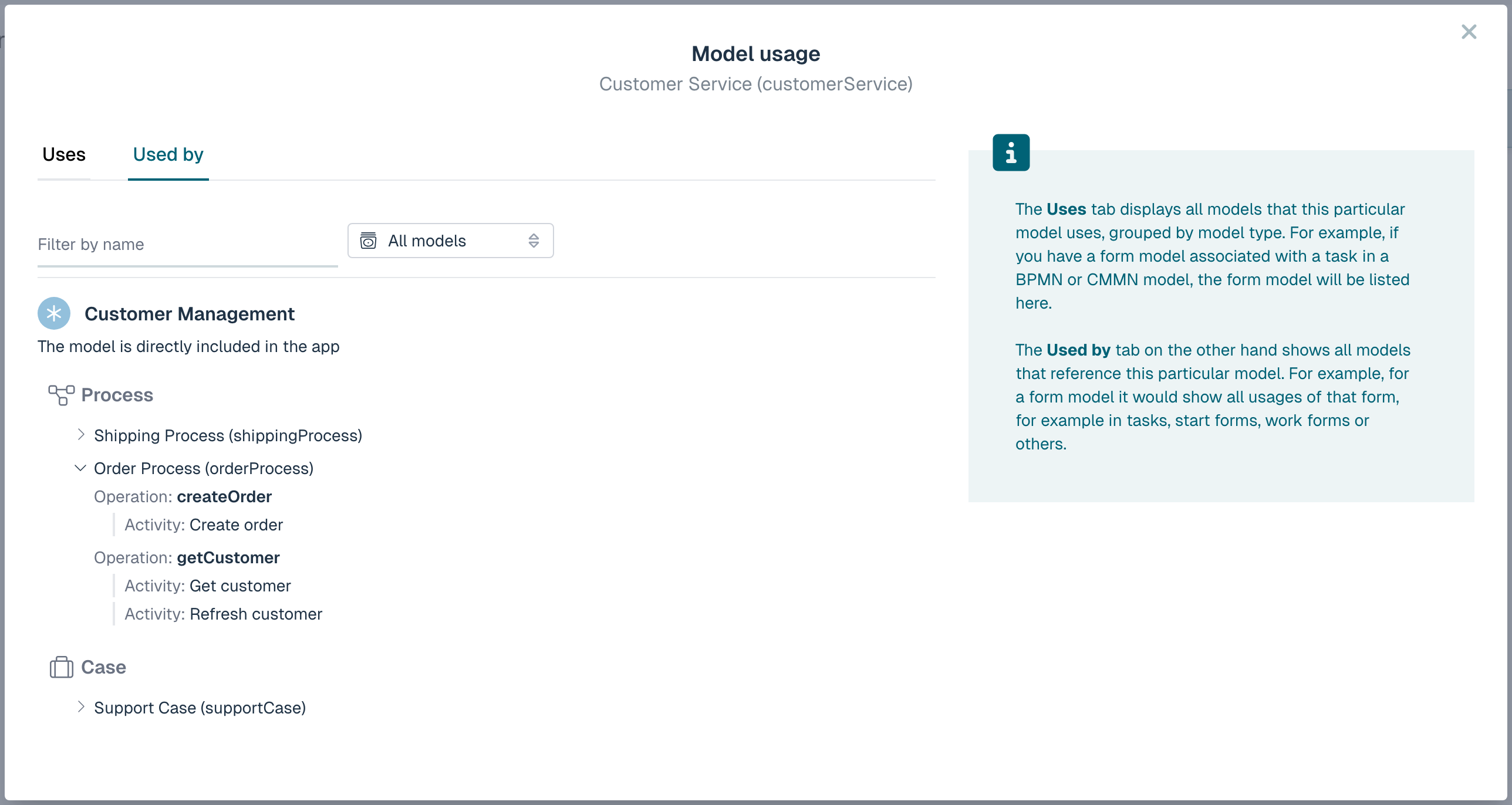
To see which models reference a service model, open the service model and click the Usage button in the toolbar, or select Usage from the model's actions menu. This opens the Model usage dialog. See Model Usage for a general description of the Uses and Used by tabs.
For a service model, the Used by tab lists every process, case, form and page that calls it. Each entry can be expanded to show which elements reference the service, grouped by the specific operation that is called. This makes it easy to see, per operation, exactly where a service is used before you change one of its operations.