OAuth Clients
 Flowable Control end of support
Flowable Control receives limited maintenance support until December 31, 2027 and is no longer supported in any form after that date. See the Flowable Control end of support notice for the full details.
Flowable Control has been superseded by Flowable Hub. See the Flowable Hub user documentation.
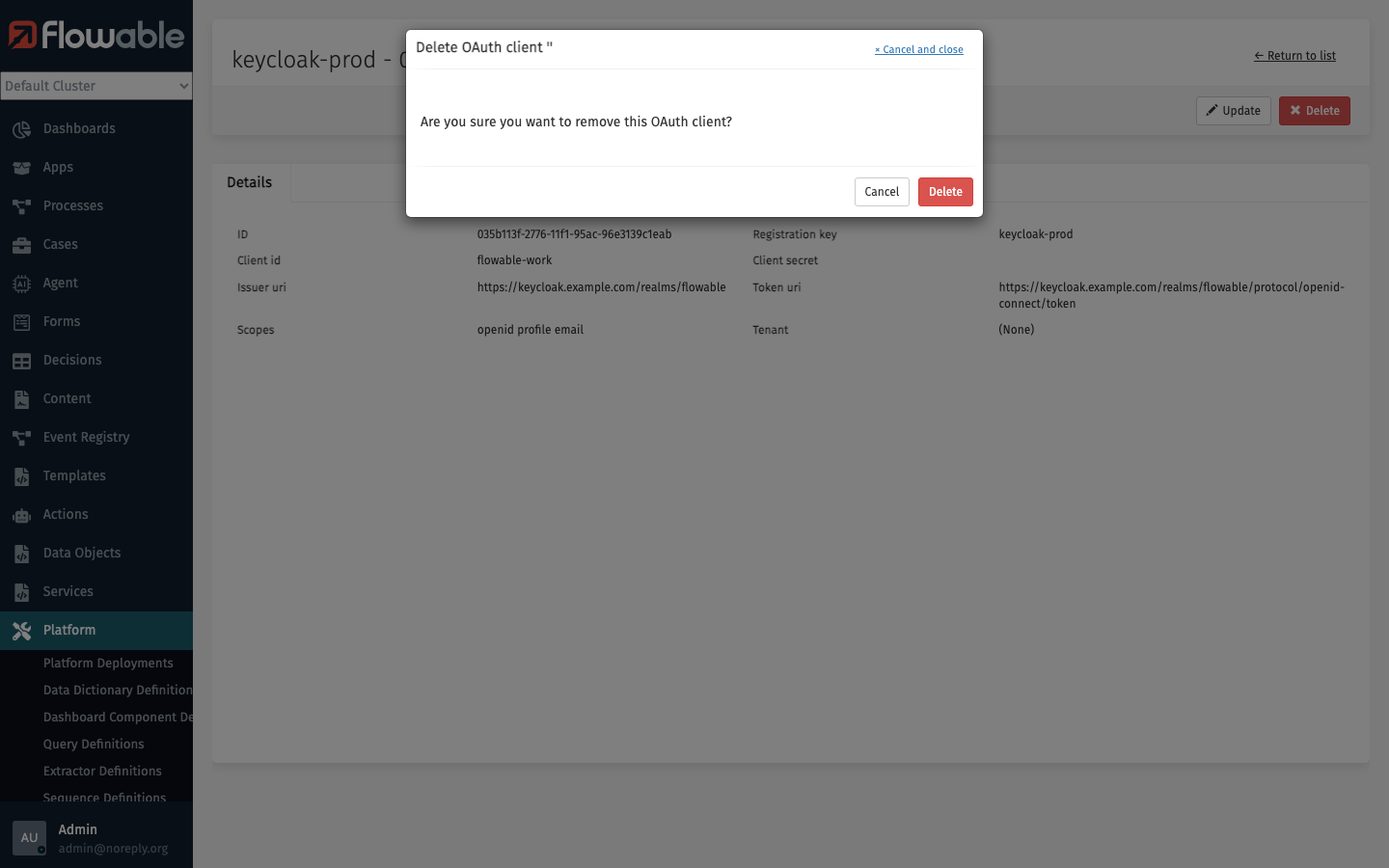
In the OAuth Clients section, you can manage OAuth client registrations that are used for authentication and authorization with external identity providers (e.g. Keycloak, Azure Entra ID). OAuth clients define the connection details needed for your Flowable environment to authenticate against these providers.
The 'Tenant ID', 'Registration key', and 'Client id' fields can be used to narrow down the list of OAuth clients.
Create OAuth Client
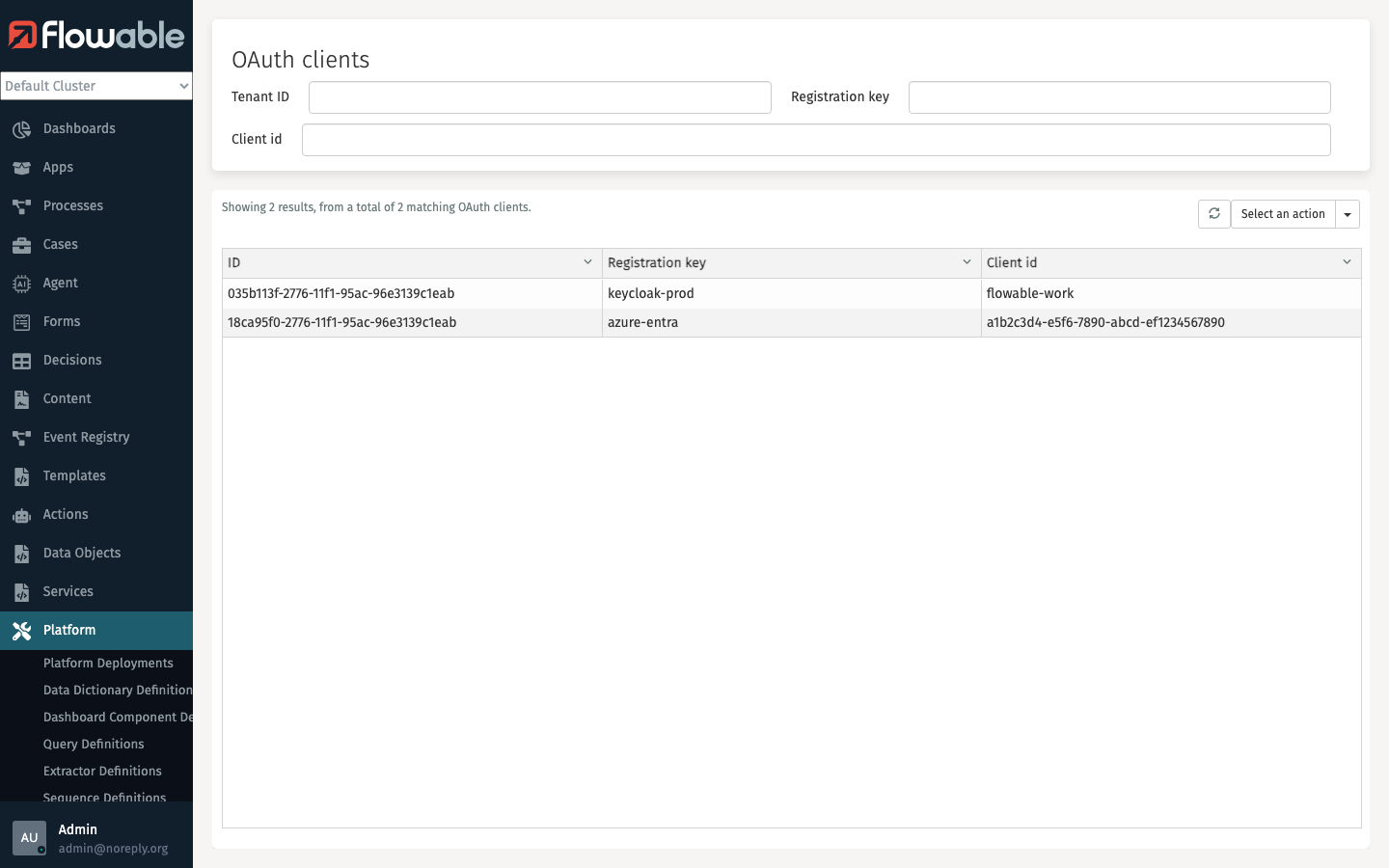
Open the Select an action menu and select Create to register a new OAuth client.
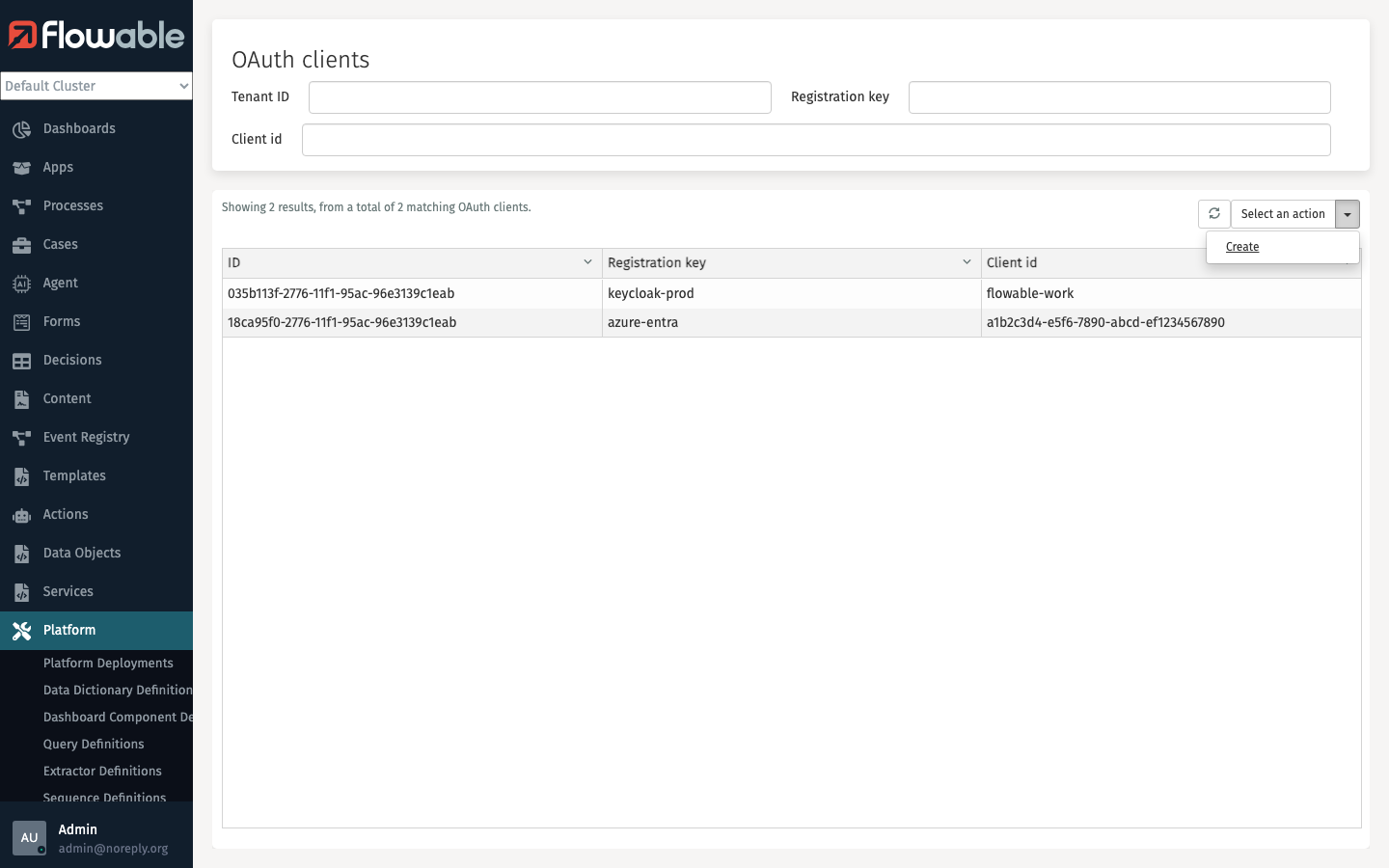
A dialog will appear where you can configure the following properties:
- Registration key - A unique key to identify this registration (e.g.
keycloak-prod,azure-entra) - Client id - The client identifier as registered with the identity provider
- Client secret - The client secret for authentication
- Issuer uri - The issuer URI of the identity provider
- Token uri - The token endpoint URI used to obtain access tokens
- Scopes - The OAuth scopes to request (e.g.
openid profile email) - Grant type - How a token is obtained from the token endpoint. Defaults to
client_credentials. See Grant types and On-Behalf-Of token exchange below.
Grant types and On-Behalf-Of (OBO) token exchange
2026.1.0+The Grant type determines how Flowable obtains a token from the registration's token endpoint when the registration is used (for example as the oauth2Client credential of a REST service in the Service Registry).
| Grant type | Description |
|---|---|
| Client credentials | The default. Flowable authenticates as itself using the configured client id and secret (machine-to-machine). No user context is required. |
| JWT bearer (On-Behalf-Of) | On-Behalf-Of exchange for Azure Entra ID. Flowable exchanges the current SSO user's access token for a downstream token, so the outgoing call is made on behalf of that user. |
| Token exchange (On-Behalf-Of) | On-Behalf-Of exchange following RFC 8693. The IdP-agnostic equivalent of the above for providers that implement standard token exchange. |
Both On-Behalf-Of grant types use the current authenticated user's access token as the assertion sent to the token endpoint. They therefore only work when the call is made within a user's session.
warningWhen an On-Behalf-Of grant type is selected, Flowable must be able to resolve the current user's access token. If no user context is available — for example when the registration is used from a background job or a service account — the token exchange fails and is not retried. Use client_credentials for machine-to-machine calls that run without a user.
 info
infoOn-Behalf-Of token exchange requires Flowable to be configured as an OAuth2 client (SSO login). When that is in place the resolver for the current user's token is provided automatically. Developers can plug in a custom resolver — see the Service Registry developer guide.
OAuth Client Details
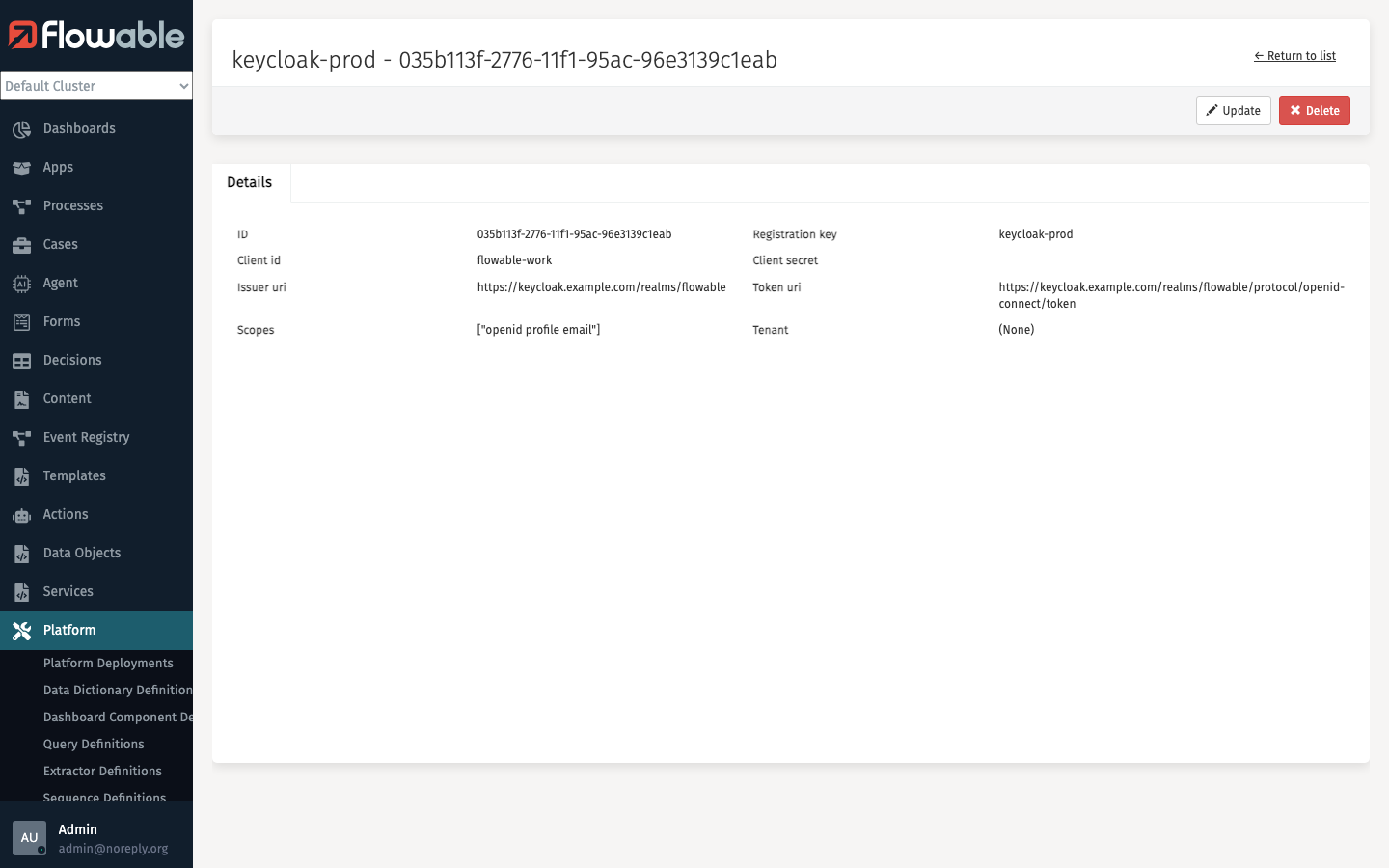
Clicking on an OAuth client in the list opens a detail page showing all configured properties.
Update OAuth Client
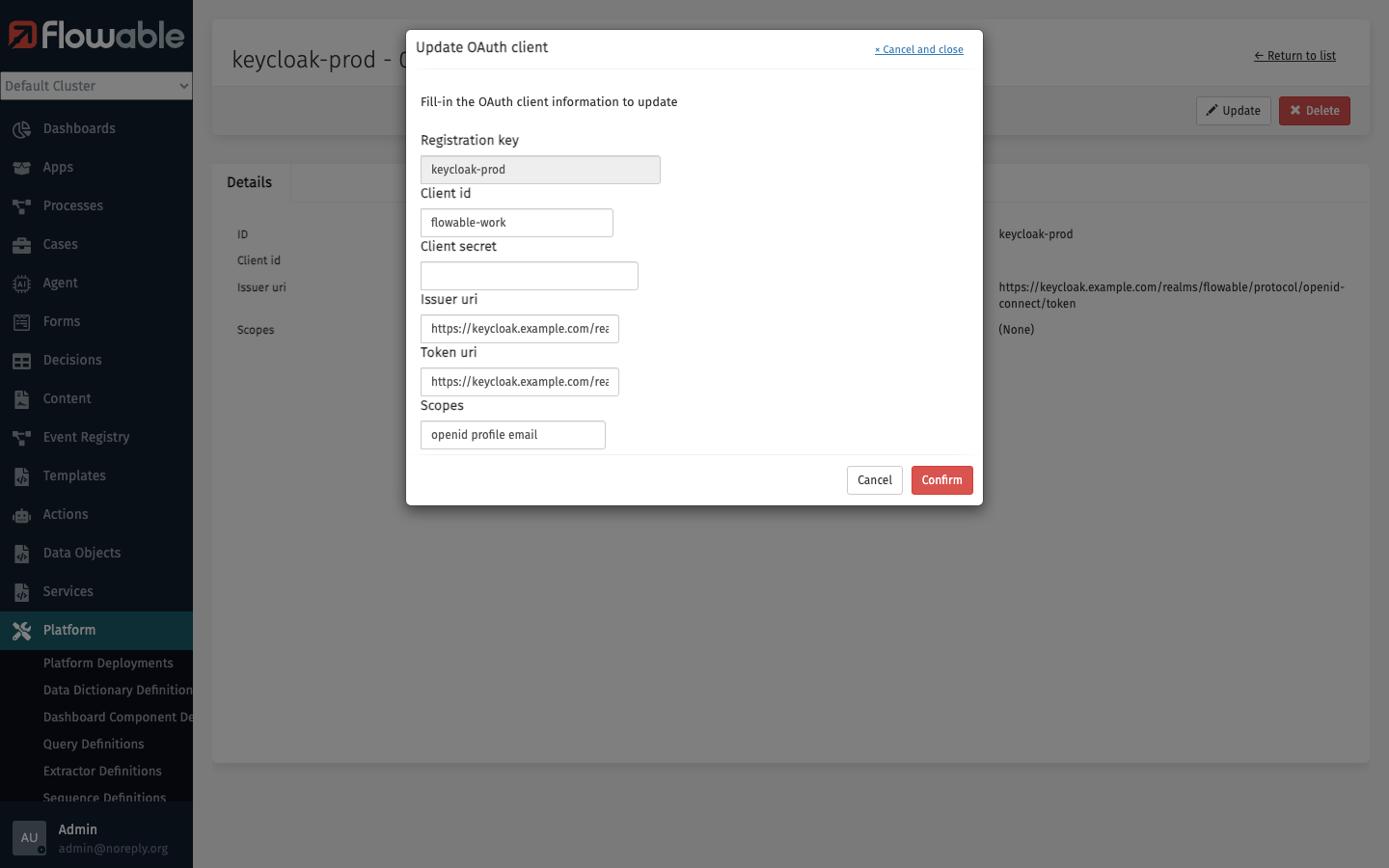
On the detail page, click the Update button to modify the OAuth client configuration. A dialog will appear with the current values pre-filled.
Delete OAuth Client
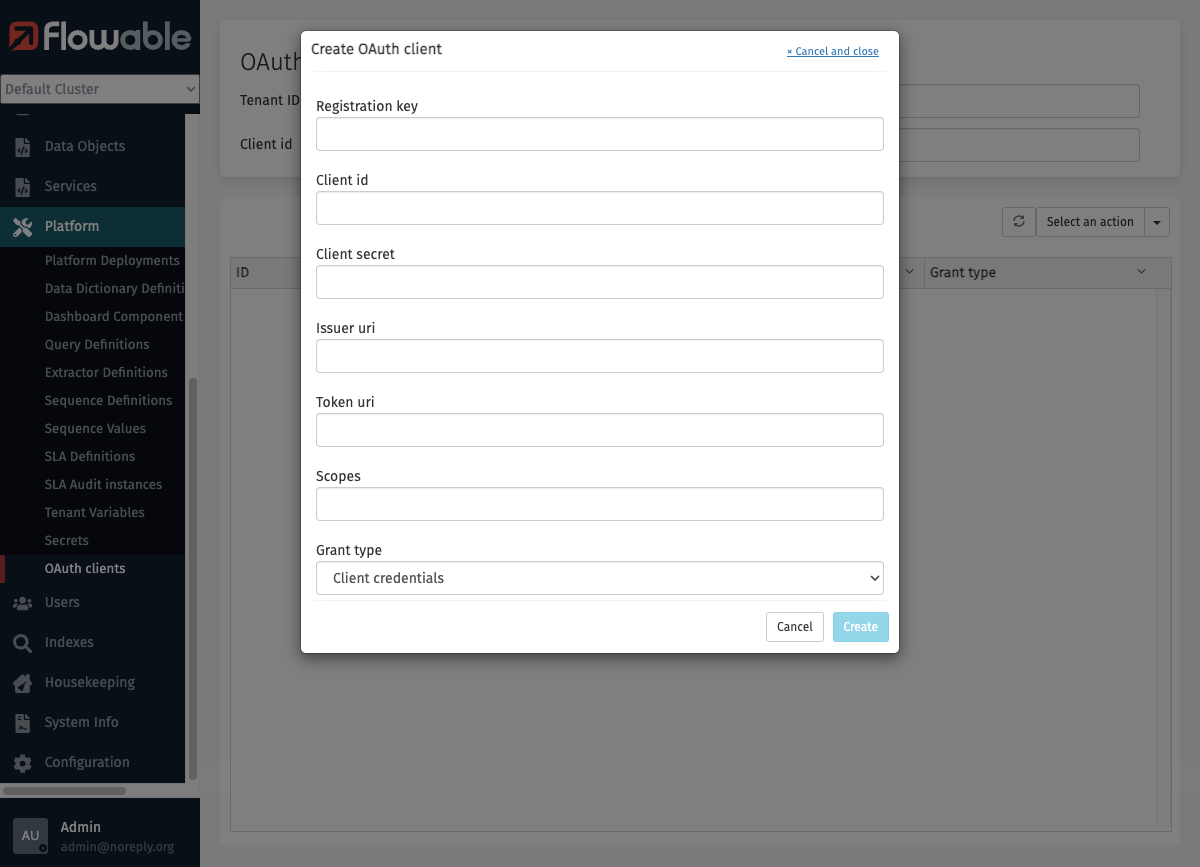
On the detail page, click the Delete button to remove the OAuth client. A confirmation dialog will be shown before the OAuth client is deleted.