Introduction
This user guide explains the concepts and features of Flowable Work.
What is Flowable Work?
Flowable Work is a flexible technology for delivering dynamic and adaptive process and case management solutions.
With Flowable Work you can model your business application, through processes, decision rules, case structures and forms. Visual editing tools make it easy for the business modeler – expert or citizen developer – to create rich and sophisticated business models. These models can then be executed dynamically by Flowable Work to deliver an adaptable business application. This enables a solution to be continuously improved, being as agile as the circumstances require. Flowable Work is built on the trusted and highly scalable open source Flowable Engine, which provides the engines for driving models defined with the open standards BPMN, CMMN and DMN.
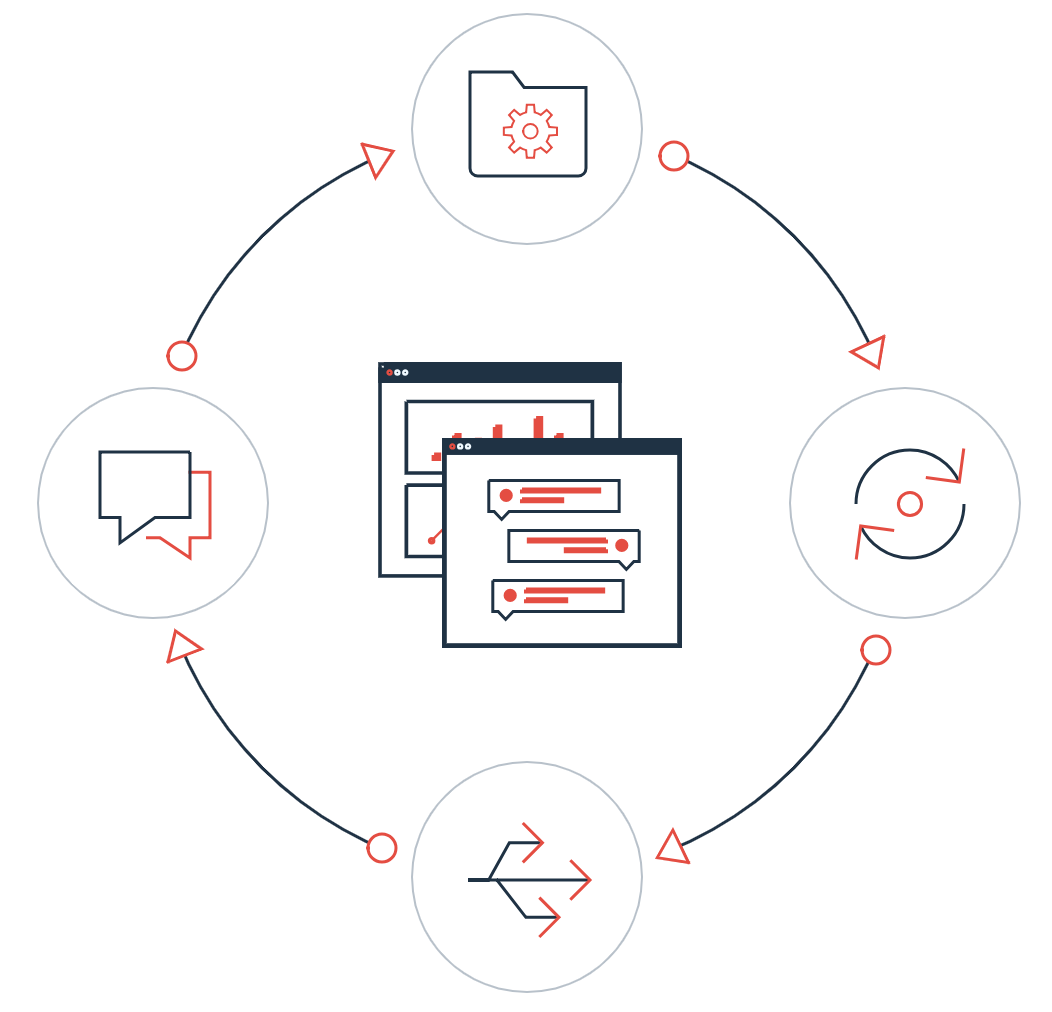
Main Concepts
Flowable App
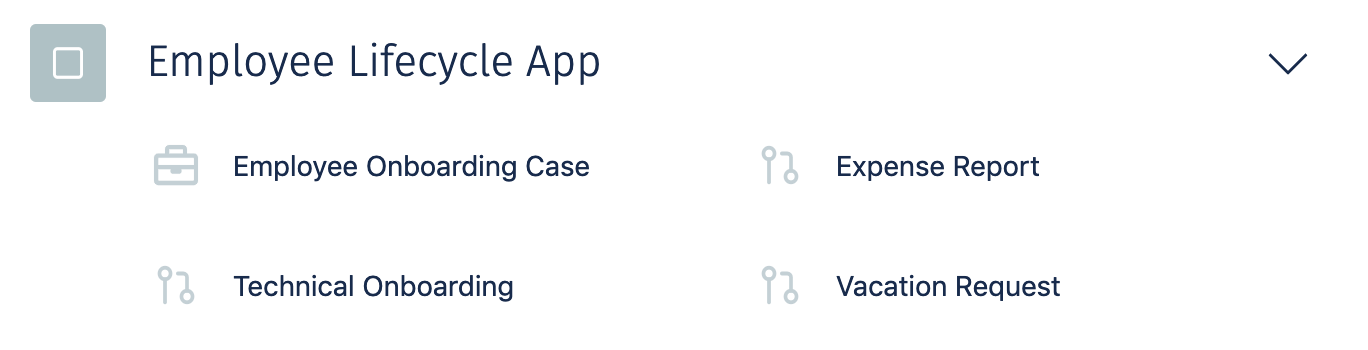
A Flowable App contains all types of models and configurations to support a specific aspect or area of your organization. An App can be deployed and all of its models become available to drive the behavior of your work items. For instance, you could have a Flowable App that contains all the work items related to an Employee Lifecycle.
Work Item
Flowable organizes everything you do around the concept of work items. No matter whether you start a new case or process, both are work items and support a common set of functionalities like ownership and assignment, due date and priority. Forms are used to manage the data associated with work items. Work items can have relations with each other and support hierarchies. The behavior of a work item is driven by its model, which is called a definition. For instance, a process is driven by its process definition, which is modeled using the modeling standard BPMN 2. These models can be designed and configured within the Flowable Design application.
Case
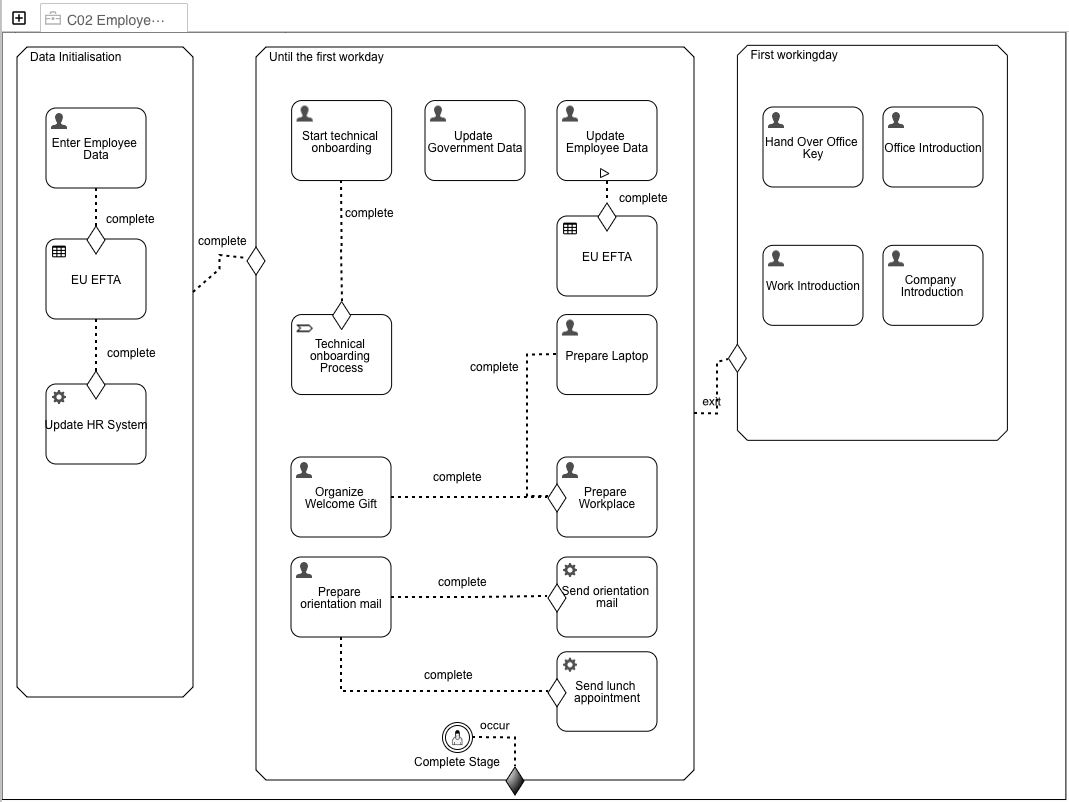
A case (also referred to as a CMMN case) acts as the main context around a collection of work items and information. A case can represent many things, depending on how you define it. Think of a case like a box with a label where you can find everything that you need to work on a particular task. There are small and large boxes, square and round ones, boxes with one compartment only or boxes with many compartments to organize the contents. For example, if you handle customer complaints with Flowable Work, a single "complaint" could become a case and everything that happens while solving that complaint can be stored in and made available in that case. Alternatively, if you use Flowable Work for your recruiting, each job applicant is represented by a case where all structured data like name, birthday, etc. for the applicant is part of the case form and documents like CV and references are simply stored within the case as attachments. Another excellent fit for Flowable Work is request and approval handling where a vacation request, a travel request or even a request for a quote from a customer becomes a case, supporting the handling and approval process through Flowable Work. The lifecycle of a case is represented by Stages that allow you to break the business problem down into a set of phases to resolve a case.
Process
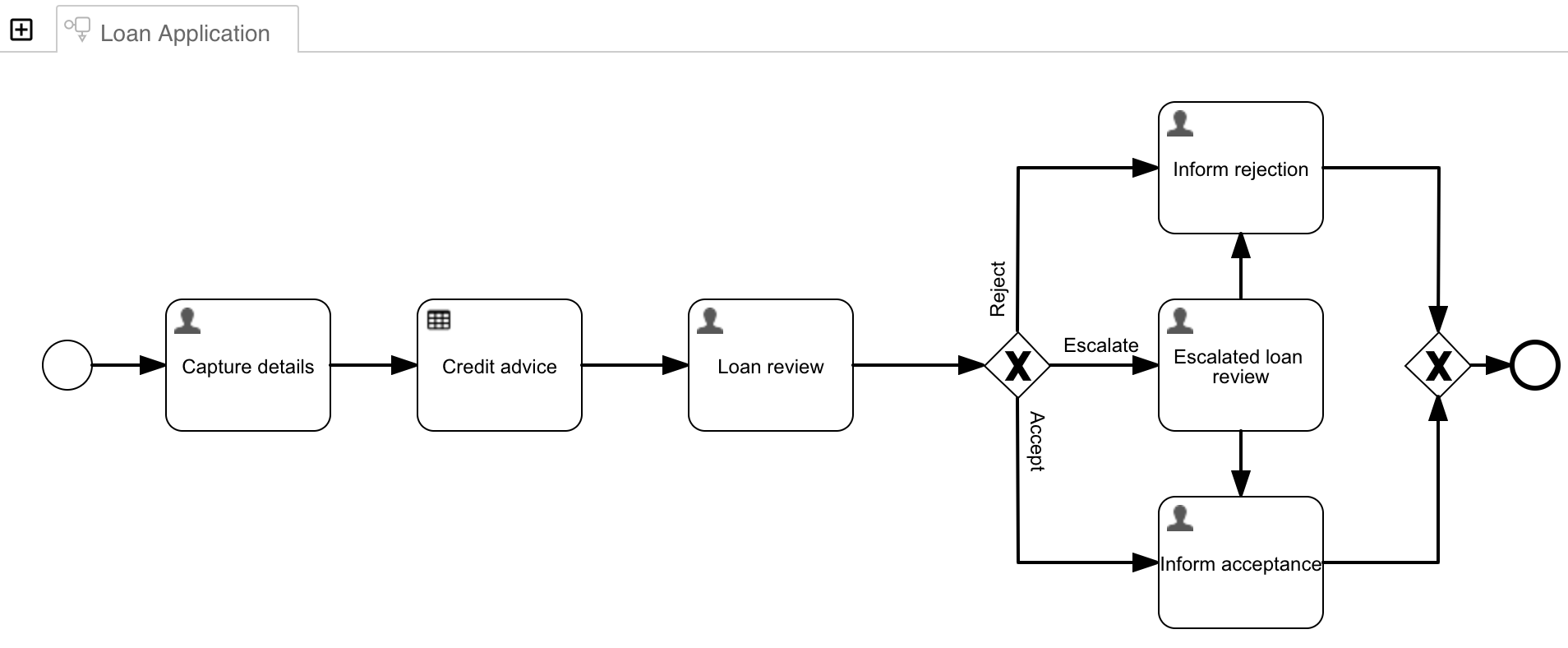
A process describes the tasks and steps that must be followed, including collecting information from people and interacting with other computer systems and services, in order to fulfill a specific objective. A process model encapsulates best practices or mandatory procedures for an organization.
Task
A task (also referred to as a human task) is a step that can be inside a case, a process or completely isolated. At its bare minimum, a task should contain a name, an assignee and either a description of what needs to be done to complete the task or a form that the assignee needs to fill to complete the task.
