Secrets
 Flowable Control end of support
Flowable Control receives limited maintenance support until December 31, 2027 and is no longer supported in any form after that date. See the Flowable Control end of support notice for the full details.
Flowable Control has been superseded by Flowable Hub. See the Flowable Hub user documentation.
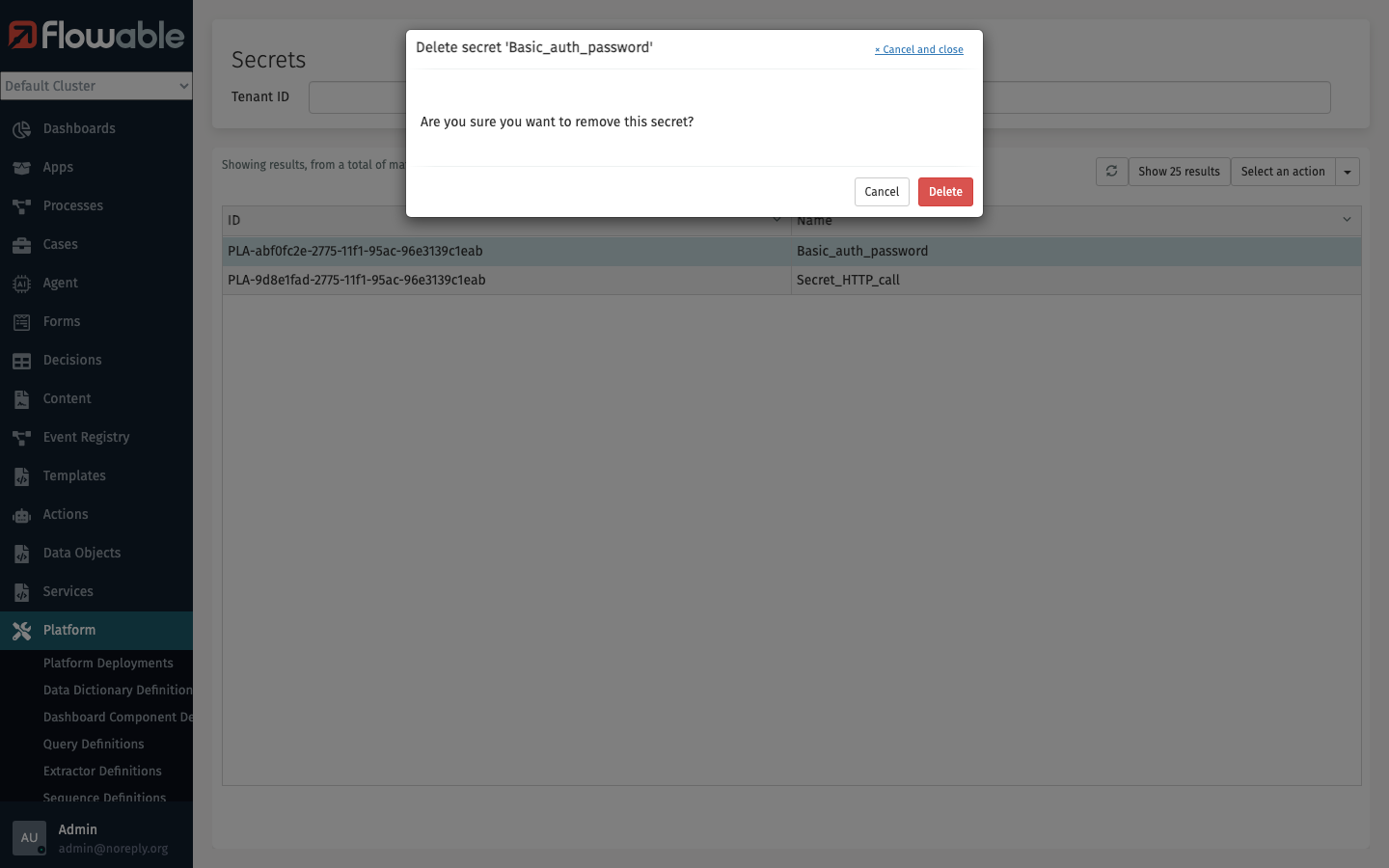
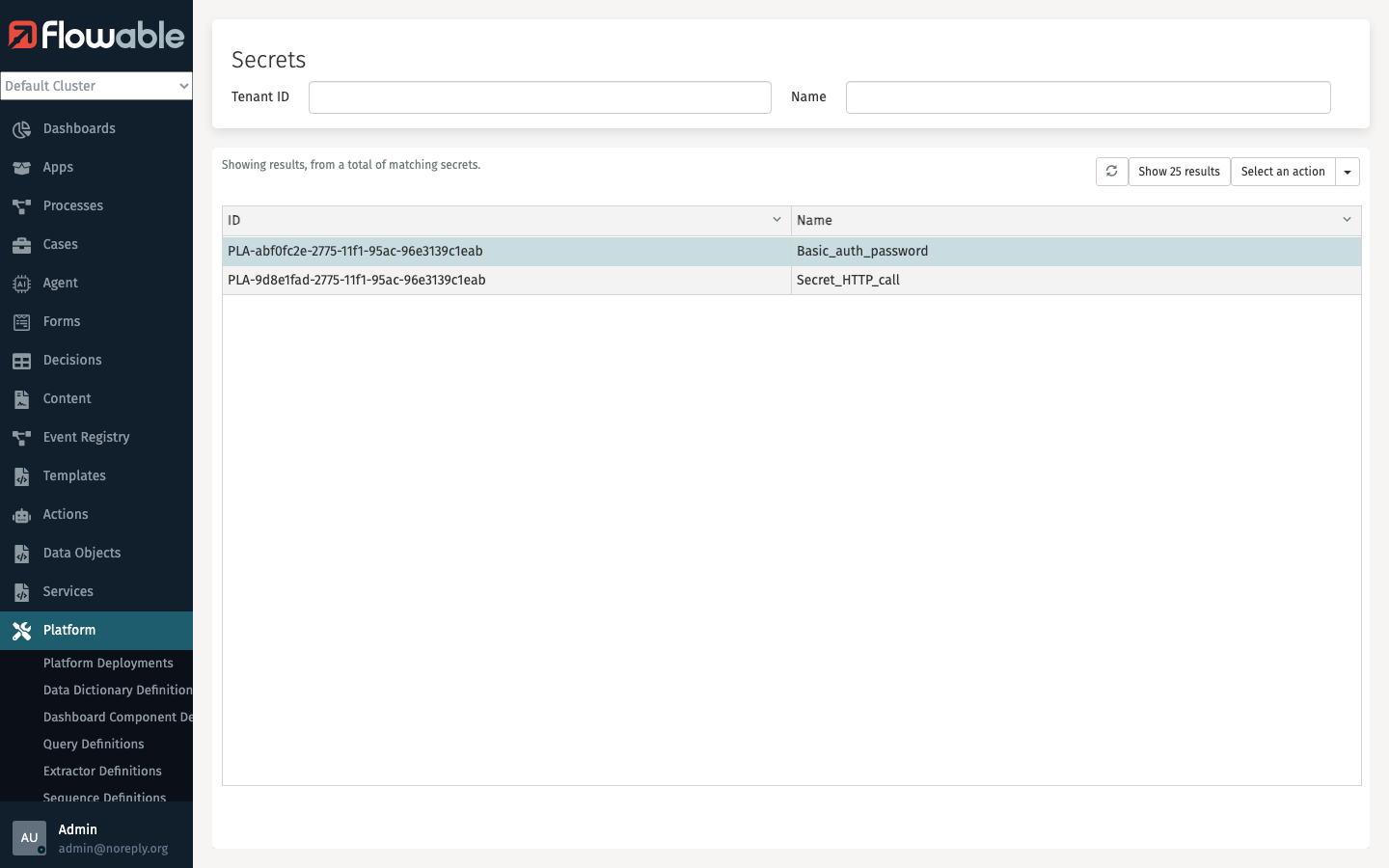
In the Secrets section, you can manage secrets that are used across your Flowable environment. Secrets allow you to securely store sensitive values such as passwords, API keys, and tokens that can be referenced by service tasks or other configurations without exposing them in plain text.
The 'Tenant ID' and 'Name' fields can be used to narrow down the list of secrets.
Create Secret
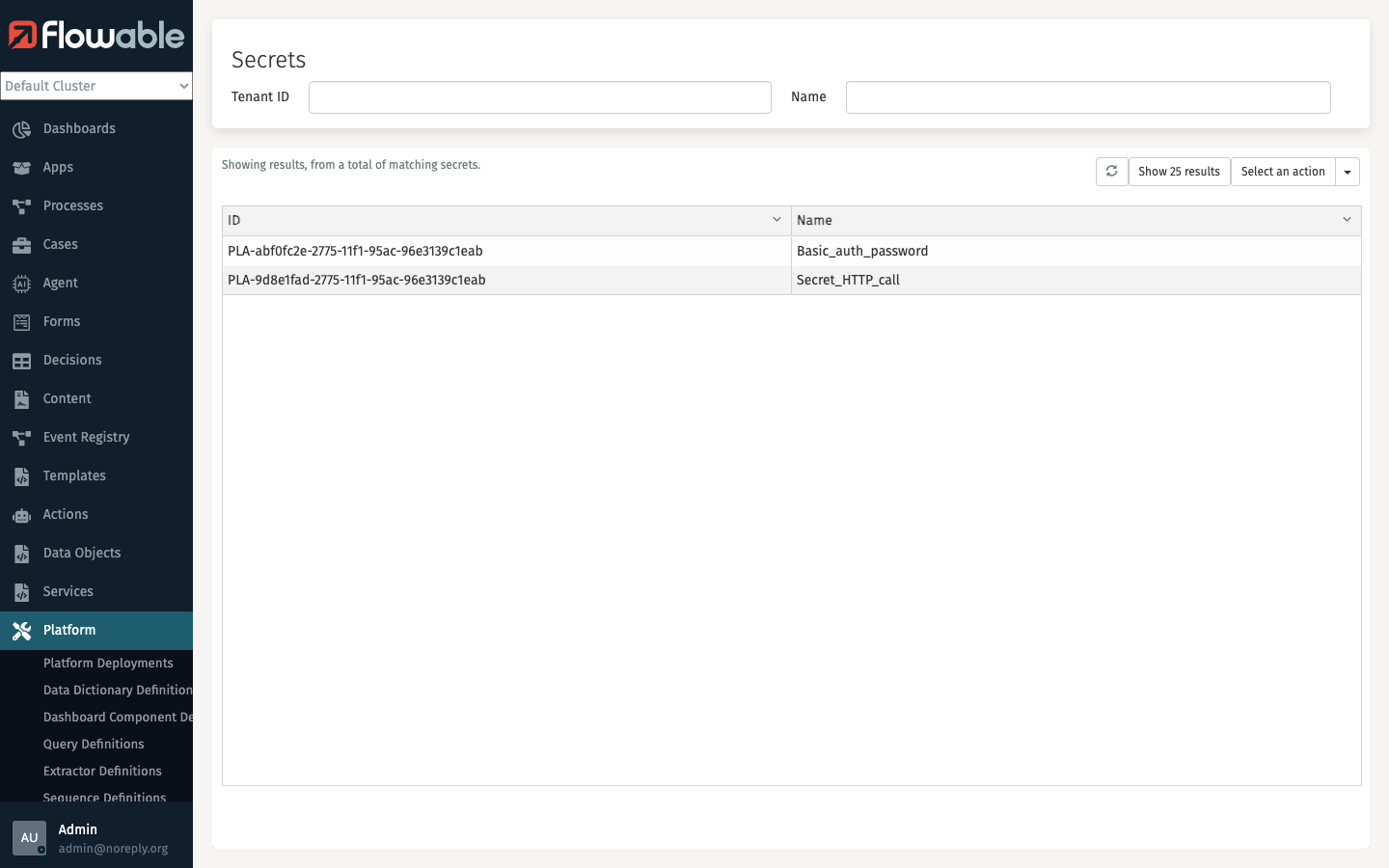
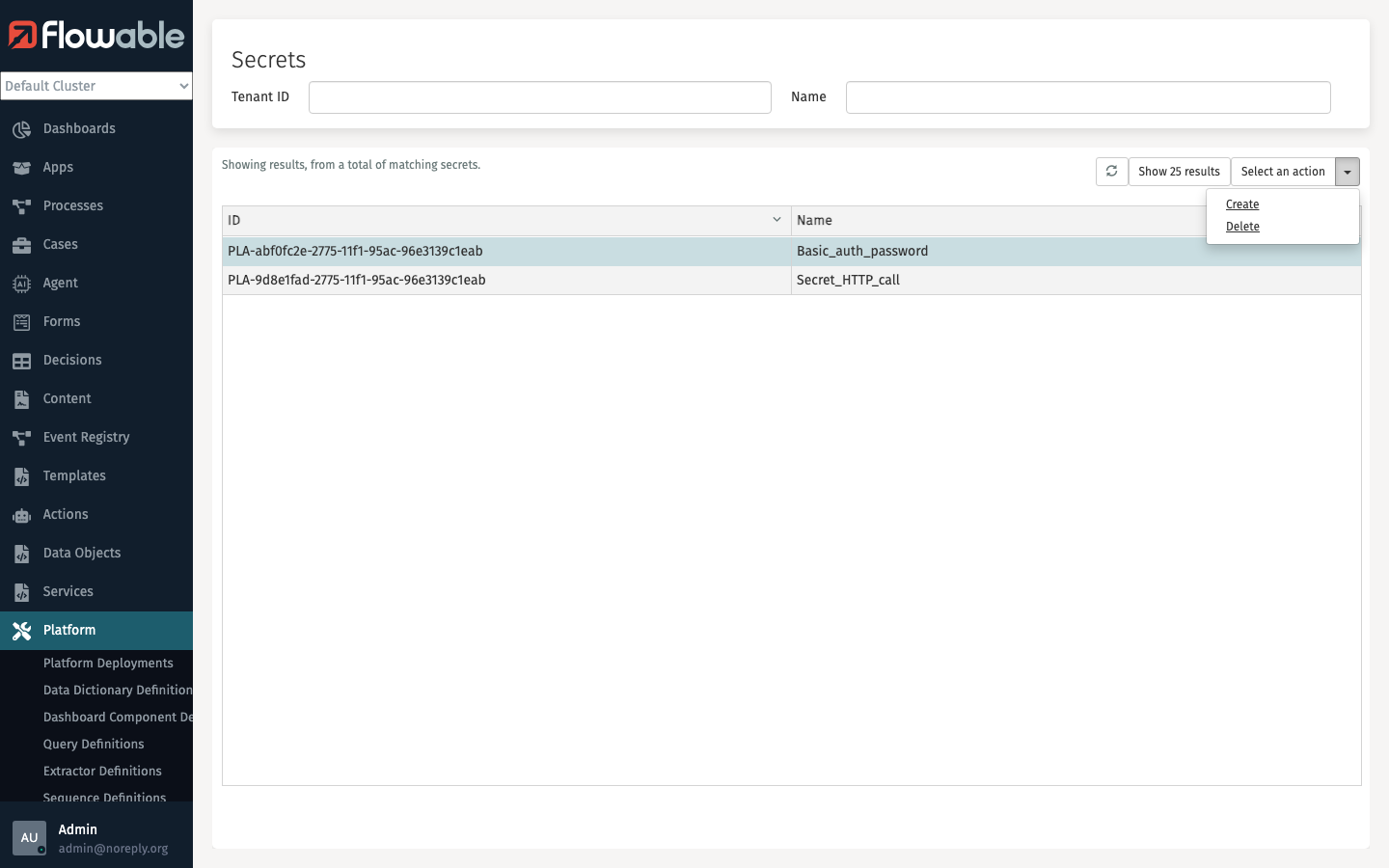
Open the Select an action menu and select Create to create a new secret.
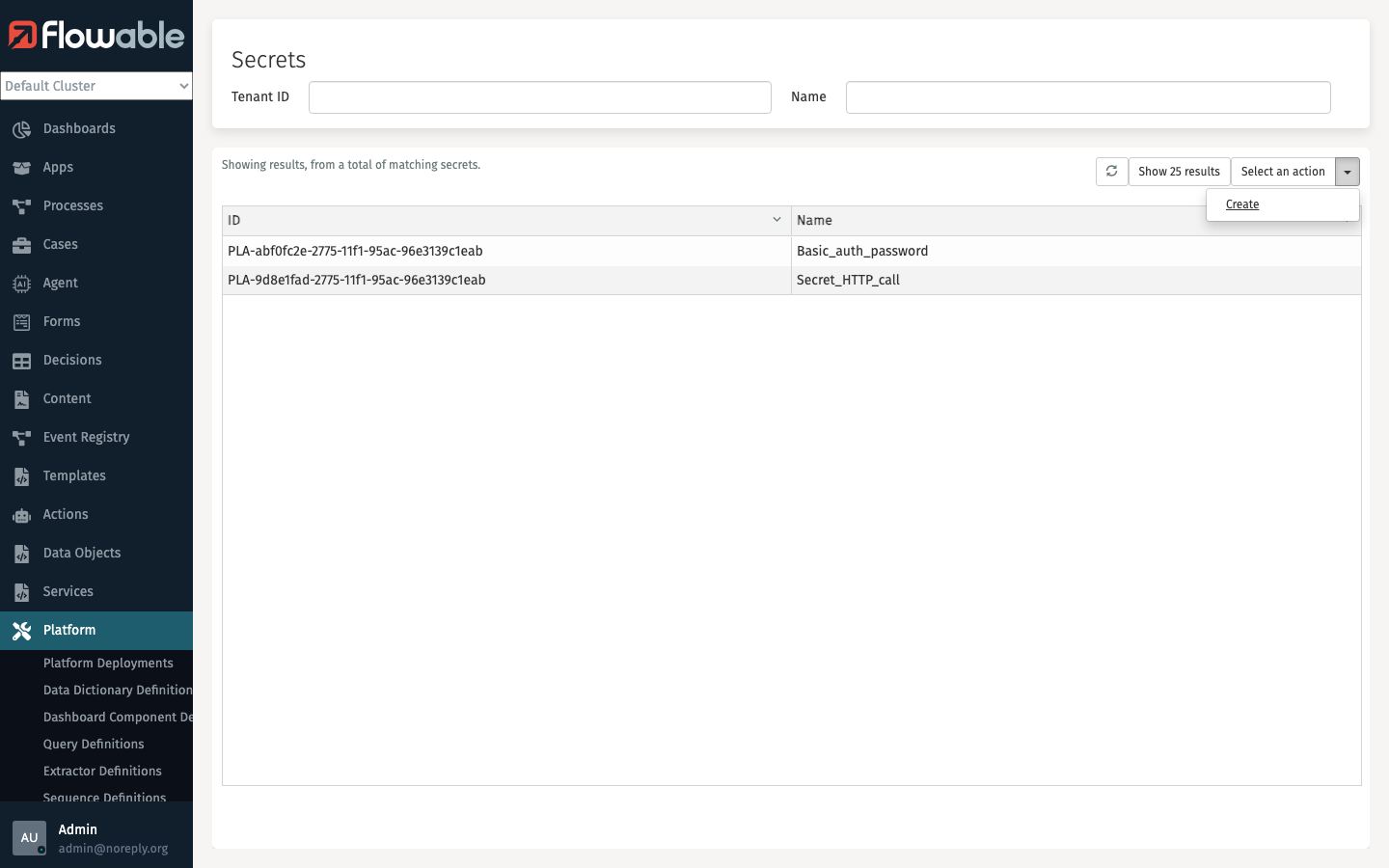
A dialog will appear where you can enter the Name and Value for the new secret.
Delete Secret
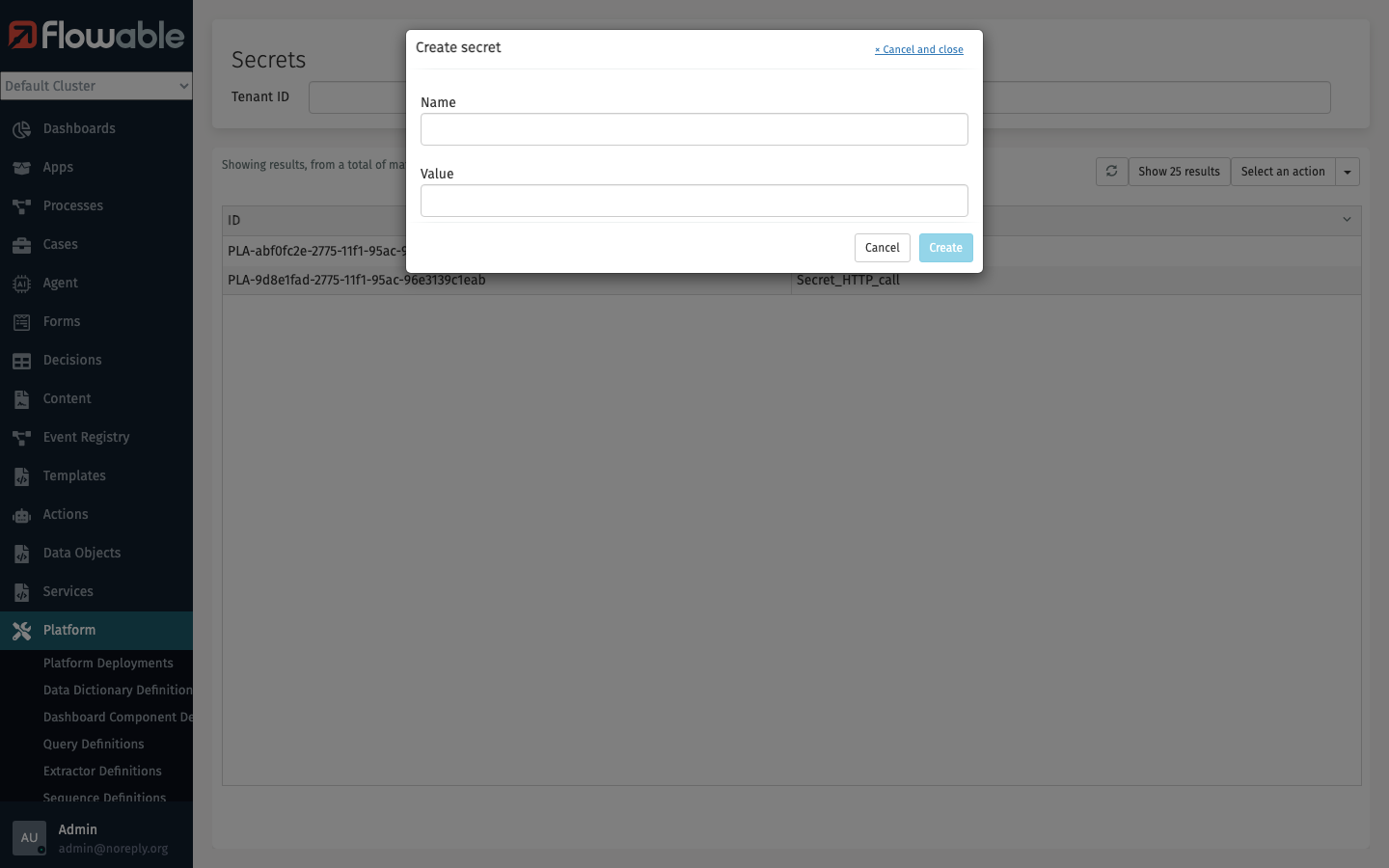
Select a secret from the list by clicking on it. The selected secret will be highlighted.
Then open the Select an action menu and select Delete.
A confirmation dialog will be shown before the secret is deleted.